

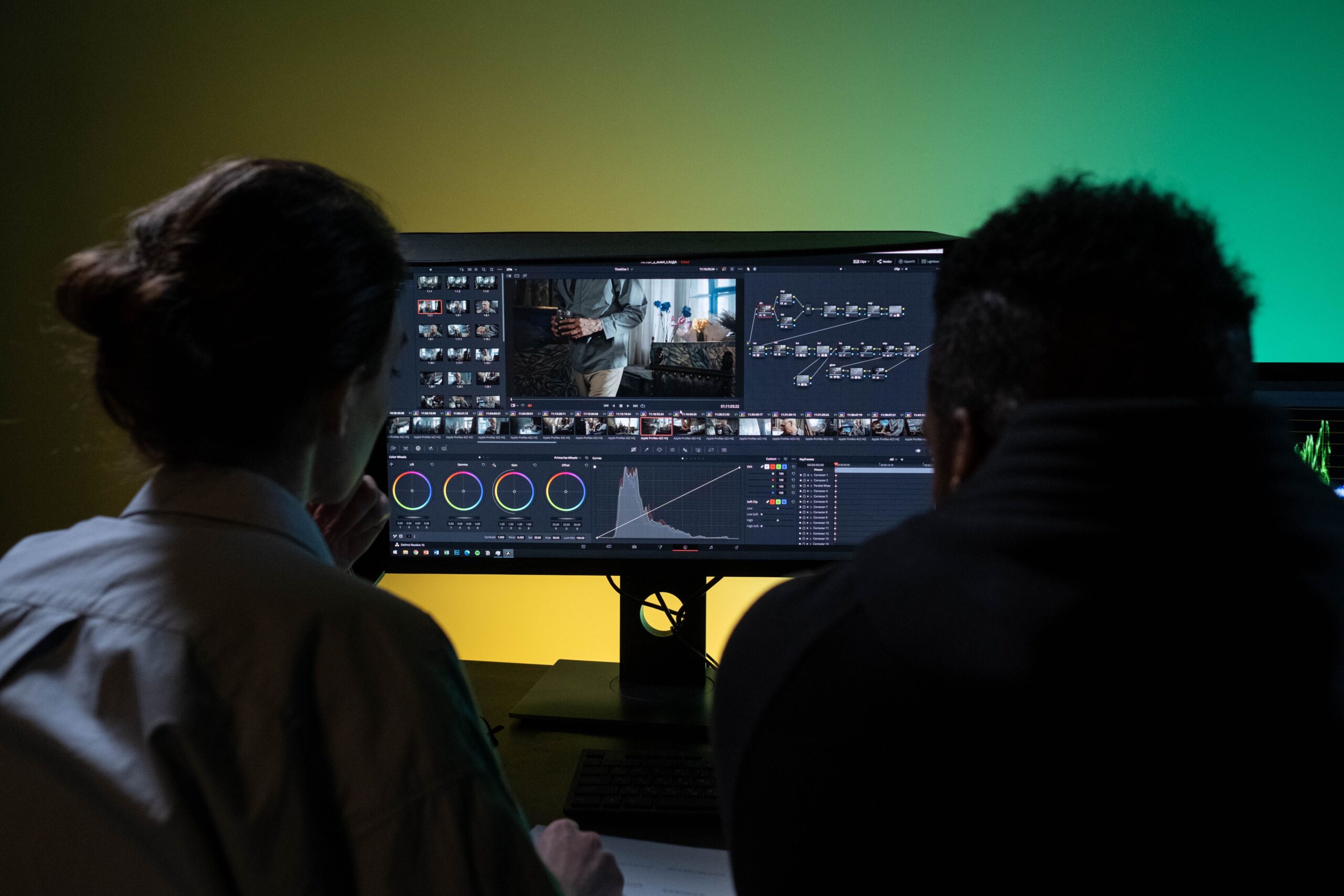
Starting a YouTube channel can feel overwhelming. What should you make videos about? What equipment do you need? How do you film? What the heck do you do with the footage afterward?
You don't have to figure all of that out on your own.
I've created two simple ways to help you get started. You can work through my beginner-friendly email course at your own pace, or book a private 1:1 session with me if you'd rather have someone walk through your specific questions with you.
I'll help you understand the process from choosing your channel direction and coming up with video ideas to filming, editing, creating thumbnails, uploading, and actually hitting that Publish button.
This is for you if…
You’ve been saying “I want to start a YouTube channel” for months.
You have ideas, but don’t know how to turn them into actual videos
You want someone to break the process down without making it complicated
You want to stop researching and actually start creating
Clarify your channel's purpose, audience, topics, and goals before you hit record
Learn how to brainstorm useful, interesting videos and build a starting list of content
Turn an idea into a clear outline, hook, talking points, and call to action
Learn how to use what you already have to create videos that look and sound good
Learn beginner-friendly editing, thumbnails, titles, and the basics of making videos people want to click
Set up your channel, publish your videos, and develop a process you can continue using
Not sure which option is right for you?
Choose the email course if you want a structured path you can work through yourself. Choose the 1:1 session if you have specific questions or would rather learn by talking through things with someone.
This program is designed for complete beginners who want to start a YouTube channel but aren’t sure where to begin. You don’t need previous YouTube experience, professional equipment, or editing experience.
For many beginners, a smartphone and a reasonably quiet, well-lit space are enough to begin. I’ll show you how to work with what you already have rather than assuming you have expensive cameras, microphones, or other equipment.
Nope. Editing is something you can learn, and you don’t need to become a professional editor to make YouTube videos. The email course introduces beginner-friendly editing concepts, and if you book a 1:1 session, you can also ask me specific editing questions or have me walk you through something you’re struggling with.
No. There are plenty of ways to create YouTube videos without being on camera. You can explore different formats and decide what works best for your content, personality, and comfort level.
Nope. Figuring out your channel direction is part of the learning process. You’ll work through questions that can help you decide what you want your channel to be about, who you want to reach, and what you hope to get from creating it.
The email course gives you a structured path to follow over eight weeks, with lessons and practical action steps delivered to your inbox.
The 1:1 session is completely personalized. You can bring your specific YouTube questions, problems, or ideas to a private one-hour call, and I’ll help you work through them. Depending on what you need, I can also give you a live tutorial or walk you through a process.
The lessons are delivered over eight weeks, with one lesson and action step at a time. You can work through them on your own schedule, so there’s no requirement to complete each lesson within a specific timeframe.
Anything YouTube-related that I can reasonably help you with based on my own knowledge and experience. That could include choosing your channel direction, brainstorming video ideas, planning content, filming, editing, thumbnails, titles, uploading, or figuring out how to use a particular YouTube feature.
If I don’t know the answer to something, I’ll tell you. I won’t pretend to be an expert on something just because you asked. But I will do my best to help you.
That’s the goal. The email course is designed to move you from having an idea to actually creating and publishing videos, rather than leaving you with a bunch of information you’ve never put into practice.
Your progress will ultimately depend on how much you put into the process, but you’ll have a clear path to follow and practical steps to help you keep moving.
That’s okay. You don’t need to arrive with a perfectly organized list of questions. Before your 1:1 session, you can think about what’s currently confusing, frustrating, or holding you back, and we’ll take it from there.
You have successfully joined our subscriber list.
Rooted in Yard is a growing collection of videos, resources, conversations, and tools designed to help you prepare to move to Jamaica.
Copyright © 2026 Rooted in Yard, All Right Reserved. Powered by LeadLaunch Solutions.